
Winter Operations
Runway Condition Reporting: How FICON NOTAMs and the RCAM Work
.jpg)
Runway condition reporting in the U.S. follows the FAA’s RCAM. For each runway third, the airport records contaminant type, depth, and percent coverage. When over 25% of the runway is contaminated, the NOTAM system generates a Runway Condition Code (0–6). It goes out as a FICON NOTAM, and Part 139 airports keep each dissemination record at least 12 months.
The first winter assessment is where new inspectors find out whether the plan on paper matches the runway. Practice before the first event, not during it.
This guide is for Part 139 operations teams and anyone who originates field condition NOTAMs, including at federally obligated general aviation airports. Each statement is labeled Rule (14 CFR Part 139), AC (FAA guidance), or Practice (our operational advice).
What does 14 CFR 139.339 require?
Everything in this table is Rule, quoted or closely paraphrased from 14 CFR 139.339 and related sections.
| Requirement | What the rule says | Cite |
|---|---|---|
| Collect and disseminate | “Provide for the collection and dissemination of airport condition information to air carriers” | §139.339(a) |
| Use the NOTAM system | “Use the NOTAM system, as appropriate, and other systems and procedures authorized by the Administrator” | §139.339(b) |
| Winter conditions are reportable | “Snow, ice, slush, or water on the movement area or loading ramps and parking areas”; “Snow piled or drifted on or near movement areas contrary to § 139.313”; malfunctioning required lighting and signs | §139.339(c)(3), (4), (6) |
| Notify carriers when not cleared | The snow and ice plan includes “Prompt notification, in accordance with § 139.339, of all air carriers” when any part of the movement area is “less than satisfactorily cleared for safe operation” | §139.313(b)(5) |
| Keep the record | “Prepare and keep, for at least 12 consecutive calendar months, a record of each dissemination of airport condition information to air carriers” | §139.339(d); §139.301(b)(8) |
| Train the people | Training requirements include “§ 139.339, Airport condition reporting”; training records are kept 24 consecutive calendar months | §139.303(e)(6), (d); §139.301(b)(1) |
| How-to guidance | FAA Advisory Circulars contain acceptable “methods and procedures for using the NOTAM system” | §139.339(e) |
Where the RCAM fits
The RCAM and the FICON format are FAA guidance, not regulation text. They come from AC 150/5200-30D, Airport Field Condition Assessments and Winter Operations Safety (consolidated with Changes 1 and 2; Change 2 dated October 29, 2020) and the FAA’s NOTAM order, JO 7930.2U. The AC is one acceptable means of meeting Part 139, and it’s mandatory for airports that receive federal grant funding (Grant Assurance #34) and for PFC-funded projects (AC 30D ¶2).
Condition reporting applies to all four certificate classes: the §139.203(b) ACM table lists it (item 27) for Classes I–IV (Rule). Snow and ice control is narrower: §139.313 applies where snow and icing conditions occur, and §139.203(b) doesn’t list a snow and ice control plan (item 15) as a required ACM element for Class IV (Rule). Part 139 doesn’t apply to “Airports operated by the United States” (§139.1(c)(2)); military airfields follow their own service guidance. If your approved ACM or snow and ice control plan (SICP) differs from this guide, follow it and confirm with your FAA Airport Certification Safety Inspector.
What are TALPA, the RCAM, FICON, and RwyCC?
- TALPA. Takeoff and Landing Performance Assessment. After a December 2005 Boeing 737 overrun, an FAA rulemaking committee (AC 30D ¶1.2.1) produced a consistent way to report a paved runway that isn’t dry (FAA TALPA) (AC).
- RCAM. The Runway Condition Assessment Matrix, “the tool (Table 5-2) by which an airport operator will assess a runway surface when contaminants are present” (AC 30D ¶1.12.17). It applies to paved runways (¶5.3.1), though its condition descriptions can be used on any airport surface (CertAlert 18-02) (AC).
- RwyCC. The Runway Condition Code, one per third, written like 4/3/2, for pilots’ takeoff and landing performance (AC 30D ¶1.12.18) (AC).
- FICON. A NOTAM reporting pavement conditions on runways, taxiways, and aprons, with RwyCCs when more than 25% of the runway is contaminated (AC 30D ¶1.12.8). RCAM-based FICONs started in the NOTAM system on October 1, 2016 (CertAlert 18-02) (AC).
- No Mu. “DO NOT report or disseminate friction (Mu) values to aircraft operators” (AC 30D ¶5.2 Note). Airports can still use them internally for trends and downgrades (AC).
How is a Runway Condition Code calculated?
The NOTAM system generates the code from the airport’s inputs (AC 30D ¶5.4.1–5.4.2; JO 7930.2U ¶5-1-4). Your job is an accurate assessment. It takes three steps (AC 30D ¶5.4).
Step 1: Does a code apply? (AC) If 25% or less of the runway (its full length and width, or the cleared width) is contaminated, report the percentage, type, and depth for each third, with no code (AC 30D ¶5.4.1.1). Above 25%, each third gets a code.
Step 2: Assess each third. (AC) The thirds are touchdown, midpoint, and rollout, in the direction of the assessment, which is typically the runway end in use (AC 28G ¶3.2; AC 30D ¶5.7.2.1.1). Record type, depth, and percent coverage, up to two contaminants per third. The matrix sets the code:
| Code | Runway condition (assessment criteria) | Pilot braking action |
|---|---|---|
| 6 | Dry | – |
| 5 | Frost; Wet (includes damp and 1/8 in. or less of water); 1/8 in. (3 mm) or less of slush, dry snow, or wet snow | Good |
| 4 | Compacted snow at 5°F (-15°C) or colder outside air temperature | Good to Medium |
| 3 | Slippery When Wet (wet runway); dry or wet snow (any depth) over compacted snow; more than 1/8 in. of dry snow or wet snow; compacted snow warmer than 5°F (-15°C) | Medium |
| 2 | More than 1/8 in. (3 mm) of water or slush | Medium to Poor |
| 1 | Ice | Poor |
| 0 | Wet ice; slush over ice; water over compacted snow; dry or wet snow over ice | Nil |
Summarized from FAA AC 150/5200-30D, Table 5-2. Use the official matrix for assessments. The Mu column is left out. It’s only for downgrades and the narrow upgrade (Table 5-2, notes 1–2).
Three things move the code (AC):
- Type. The definitions carry field tests: dry snow falls apart in a snowball (¶1.12.6); wet snow makes a solid one but “water will not squeeze out” (¶1.12.25); water “will drain from slush when a handful is picked up” (¶1.12.21).
- Depth. For water, slush, and dry or wet snow, the line is 1/8 inch (3 mm). Report the greatest depth using the reportable values: 1/8, 1/4, 1/2, 3/4, 1 inch, then whole inches (AC 28G ¶3.3–3.4). No depth for compacted snow or ice (AC 30D ¶5.7.2.1.2).
- Temperature. It matters only for compacted snow: 5°F (-15°C) or colder is a 4, warmer is a 3. At about 26.6°F (-3°C) and warmer, contaminants may be more slippery than the code says; downgrade if appropriate (Table 5-2 caution).
Percent coverage is a conservative estimate in set bands (10, 20, 25, 30, 40, 50, 60, 70, 75, 80, 90, 100), for runways only (AC 28G ¶3.5) (AC).
When a third has two contaminants, AC 28G ¶3.6 sets the code this way (AC):
| Situation in the third | Code is based on |
|---|---|
| One contaminant over 25% | That contaminant’s code |
| Two contaminants, at least one over 25% | The lowest code among the contaminants over 25% |
| Two contaminants, each 25% or less, together over 25% | The contaminant with the higher percentage (if equal, the lower code) |
| Total coverage 25% or less | Code 6 for that third |
If the full width isn’t cleared, the code reflects the cleared portion (often the center 100 feet), and different uncleared edges go in as REMAINDER (AC 30D ¶5.7.2.1.2–5.7.2.1.3) (AC).
Step 3: Validate. (AC) Downgrade when friction readings, vehicle deceleration or directional control, or pilot reports show it’s worse than the contaminant suggests (AC 30D ¶5.4.3.1). Upgrading is narrow: only from a 0 or 1, to no higher than 3, when all observations and vehicle braking support it, a calibrated device reads Mu 40 or more in that third, and the airport keeps monitoring (¶5.4.3.2; Table 5-2, note 2).
Code 0 means close. (AC) The NOTAM system won’t accept a 0 or a NIL braking report; it prompts the airport to close the surface until the condition is mitigated (AC 30D ¶5.4 Note, ¶5.8.1). No airport can report NIL braking on a runway (JO 7930.2U ¶5-1-4). After mitigation, reassess. A code that rises because the contaminant was removed is a new assessment, not an upgrade (AC 30D ¶5.7.2.2.4).
A worked example
From AC 28G ¶3.7: RWY 01 FICON 1/2/2 90 PCT ICE, 100 PCT 1/2IN SLUSH, 100 PCT 1/2IN SLUSH. More than 25% is contaminated, so each third gets a code. Touchdown is 90% ice, a 1. Midpoint and rollout are half-inch slush, past the 1/8-inch line, so 2. If vehicle braking is worse than slush suggests, downgrade that third.
Wet, water, or slush? Where is the 1/8-inch line?
- Wet is “visible dampness or water that is 1/8-inch (3 mm) or less in depth,” Code 5. Water is more than 1/8 inch, Code 2 (AC 30D ¶1.12.24, ¶1.12.22) (AC).
- Slush is snow “that has water content exceeding a freely drained condition such that it takes on fluid properties (e.g., flowing and splashing).” Code 5 at 1/8 inch or less, Code 2 above (¶1.12.21) (AC).
- Report Wet when it comes with or from other winter contaminants, and after chemical treatment; the FAA highly encourages reporting it even alone. In heavy rain, watch for depths passing 1/8 inch, even on grooved runways (AC 30D ¶5.6.3; AC 28G ¶3.3) (AC).
- Slippery When Wet is a pavement condition, not a winter one. When a friction survey fails the AC 150/5320-12 minimum, report RWY 01/19 FICON 3/3/3 SLIPPERY WHEN WET while the runway is wet. It’s the one FICON with both designators (AC 28G ¶3.10) (AC).
- Dry isn’t a FICON. Don’t originate one just to report a dry runway (AC 30D ¶1.12.5; JO 7930.2U ¶5-1-4) (AC).
When should runway conditions be reassessed?
| Trigger | What to do | Source |
|---|---|---|
| Any change: weather, chemicals or sand, plowing, reopening, a new contaminant or greater depth | Assess and update before operations resume | AC 30D ¶5.7.2.2.1 |
| No change at all | Update at least at the start of each shift | AC 30D ¶5.7.2.2.1 |
| A long gap, such as overnight | Refresh before the next operation | AC 30D ¶5.7.2.2.2 |
| Deteriorating, such as a wet runway freezing | Reassess; downgrade or close as needed | AC 30D ¶5.8.2.3 |
| Two consecutive Poor braking reports | Assess, and act on the result | AC 30D ¶5.8.2.1.2; CertAlert 18-02 |
| A Nil braking report | Close the surface until it’s assessed and improved | AC 30D ¶5.8.2.1.1; JO 7930.2U ¶5-1-4 |
| Unusual weather | Special self-inspection (Rule) | §139.327(a)(2) |
| A runway is closed | Don’t issue a FICON; cancel the existing one | AC 30D ¶5.7.2.2.3; AC 28G ¶3.2 |
Every row is AC except the special self-inspection, which is Rule. It’s the same one in our Part 139 self-inspection checklist.
Night and off-hours
- Temperatures drop after sunset, and a wet runway can freeze (AC 30D ¶5.8.2.3). Watch compacted snow crossing 5°F (-15°C) and anything near freezing (AC).
- Keep runway and taxiway lights, signs, REIL, and PAPI clear of snow (AC 30D ¶4.2.2.3) (AC), and report malfunctions of required lighting and signs (§139.339(c)(6)) (Rule).
- Not staffed overnight? Append COND NOT MNT with the times to the last FICON before ending snow and ice operations (AC 30D ¶5.12; AC 28G ¶3.13). A FICON is valid 24 hours or less, except for ash, mud, oil, sand, or rubber (taxiways only), or with COND NOT MNT appended (JO 7930.2U ¶5-1-4) (AC).
- Look at the runway at shift change even if nothing seems different, and have the incoming inspector read the NOTAM log first (AC 30D ¶5.11.1) (Practice).
How do you write and issue a FICON NOTAM?
- Only authorized people originate. The airport keeps a list of who can issue NOTAMs (AC 28G ¶2.1) (AC).
- Assess by thirds in the direction of use, then enter it in the FAA NOTAM system, which builds the code and the text (AC 30D ¶5.4.2) (AC).
- Check before you submit: designator, thirds, depths, percentages, treatments, REMAINDER, and observation time (Practice).
- Tell the people who need it now: the tower, TRACON, or ARTCC, or CTAF or Unicom at a non-towered field (AC 30D ¶5.6.4) (AC).
- Log it, then reassess, update, or cancel (Rule and AC; see the trigger and records tables).
How a FICON reads, field by field (JO 7930.2U ¶5-1-4):
| Field | Example | Notes |
|---|---|---|
| Location | !DEN DEN | Accountability and location identifiers |
| Surface | RWY 25 | One designator, the direction of assessment; two only for Slippery When Wet |
| RwyCC | 5/3/5 | Touchdown/midpoint/rollout, generated when more than 25% is contaminated |
| Condition per third | 50 PCT WET, 50 PCT 1/8IN WET SN OVER COMPACTED SN, 50 PCT 1/8IN SLUSH | Percent, depth, up to two contaminants |
| Treatments and width | PLOWED 100FT WID REMAINDER 4IN WET SN; SANDED | Up to three treatments, plus snowbanks or drifts |
| Observation time | OBS AT YYMMDD1655 | Required on every FICON; COND NOT MNT is optional |
| Validity | YYMMDD1700-YYMMDD2000 | 24 hours or less (exceptions above) |
Four FAA examples from AC 28G ¶3.7 and ¶3.13, translated:
| FAA example FICON | What it says |
|---|---|
| !DEN DEN RWY 25 FICON 5/3/5 50 PCT WET, 50 PCT 1/8IN WET SN OVER COMPACTED SN, 50 PCT 1/8IN SLUSH OBS AT YYMMDD1655. YYMMDD1700-YYMMDD2000 | Touchdown and rollout are a 5 (wet; 1/8 inch of slush). The midpoint is a 3, because wet snow over compacted snow is a Code 3 at any depth. |
| …RWY 34 FICON 5/5/5 100 PCT WET PLOWED 100FT WID REMAINDER 4IN WET SN… | A 150-foot runway with the center 100 feet plowed. The codes describe the plowed width; the remainder carries 4 inches of wet snow. |
| …RWY 10 FICON 2/2/2 100 PCT WATER… | More than 1/8 inch of standing water in every third. |
| !LGA LGA RWY 13 FICON 1/1/1 100 PCT ICE OBS AT YYMMDD0230. COND NOT MNT YYMMDD0300-YYMMDD1045. | Ice end to end, observed at 0230, and nobody monitoring from 0300 to 1045. |
Which FAA system do I use? (as of October 2026)
The FAA is moving NOTAM origination from the Federal NOTAM System, which includes NOTAM Manager, to the NOTAM Management Service (NMS). AC 30D ¶5.1.3, which predates the change, still names NOTAM Manager as preferred. The NMS FAQ (last updated August 25, 2026) says both origination tools stay available while users train and transition, that all users are expected to originate in NMS in 2026, and that NMS won’t change the NOTAM policy in Order 7930.2. Confirm which tool your airport uses before the first snow (Practice).
What records should you keep, and for how long?
| Record | Keep | Source |
|---|---|---|
| Each dissemination of airport condition information to air carriers | At least 12 consecutive calendar months | Rule §139.339(d); §139.301(b)(8) |
| Training records for condition reporting | 24 consecutive calendar months | Rule §139.303(d), (e)(6); §139.301(b)(1) |
| NOTAM log, reviewed at shift change, with a copy of each NOTAM as submitted | Per your ACM | AC 30D ¶5.11.1; AC 28G ¶1.5, App. A |
| Activity log: every assessment, treatments, closing and opening times, how each report was disseminated, pilot reports | Per your ACM | AC 30D ¶5.11.2 |
| NOTAM system summaries, downloaded monthly or quarterly | Per your ACM | AC 30D ¶5.11.3 |
AC 30D Appendix A has a runway condition worksheet covering each of these fields by third (AC).
- Keep your own archive. AC 28G ¶1.5 treats the FAA system as a backup, not the airport’s primary record (AC).
- Check NOTAM status daily, including cancellations (AC 28G ¶1.5) (AC).
- Write down what changed between reports. That’s what an inspector asks about (Practice).
These records come up again at certification time. See how to prepare for the Part 139 certification inspection.
Frequently asked questions
What is a FICON NOTAM?
A NOTAM reporting pavement conditions on runways, taxiways, and aprons, with Runway Condition Codes when more than 25% of a runway is contaminated (FAA AC 150/5200-30D ¶1.12.8).
How is the Runway Condition Code determined?
By the RCAM: contaminant type, depth, and (for compacted snow) temperature in each runway third. The NOTAM system generates the code; the airport may downgrade it, and upgrade it only under strict conditions (AC 150/5200-30D ¶5.4).
When is no code reported?
When 25% or less of the runway is contaminated, for a closed runway, for non-performance contaminants such as mud or ash, and for a dry runway (AC 150/5200-30D ¶5.4.1.1, ¶5.5; AC 150/5200-28G ¶3.2).
How often should runway conditions be reassessed?
After any change and before operations resume, and at least at the start of each shift. A FICON can’t be valid for more than 24 hours, with limited exceptions (AC 150/5200-30D ¶5.7.2.2; JO 7930.2U ¶5-1-4).
How Glidepath handles field condition reporting
Glidepath’s runway condition reporting software follows the same thirds-based structure. It supports your SICP and ACM. It doesn’t replace them.
- Assess. Record contaminant, depth, coverage, and observation time for each runway third. Where a code applies, it’s derived for you to review.
- Draft, don’t submit. Glidepath drafts the FICON wording for review. It doesn’t submit the NOTAM. The airport does, through the FAA system.
- The record. The condition ledger keeps the exact messages sent and the external NOTAM identifiers. New reports supersede old ones, and the history stays.
- Snow events. Events link to their FICON reports, and closeout keeps the final FICON in snow and ice control records. Closing an event doesn’t publish a NOTAM.
- NOTAMs. The NOTAM view narrows the FAA feed to your airport and flags anything inside its last 24 hours.
- Offline. Supported entries queue and sync when the connection comes back. Some actions need a connection, and a cached status isn’t a fresh observation (FAQ).
Want to see it before the first snow? Request a demo and we’ll walk through a runway assessment on demo data.
Sources
- 14 CFR §139.339, Airport condition reporting (eCFR)
- 14 CFR §139.313, Snow and ice control; §139.301, Records; §139.303, Personnel; §139.327, Self-inspection program
- 14 CFR §139.203, Contents of the Airport Certification Manual; §139.1, Applicability
- FAA AC 150/5200-30D, Airport Field Condition Assessments and Winter Operations Safety, consolidated with Changes 1 and 2 (AC page)
- FAA AC 150/5200-28G, Notice to Air Missions (NOTAMs) for Airport Operators (AC page)
- FAA Order JO 7930.2U, Notice to Airmen (NOTAM), with Changes 1 and 2 (Change 2 effective September 30, 2026), ¶5-1-4, Field Conditions (FICON) Reporting (HTML chapter)
- FAA, Takeoff and Landing Performance Assessment (TALPA); Part 139 CertAlert 18-02, Reminders for Using the RCAM
- FAA, NOTAM Management Service FAQs
- Related Glidepath guides: Part 139 Self-Inspection Checklist; How to Prepare for an FAA Part 139 Certification Inspection
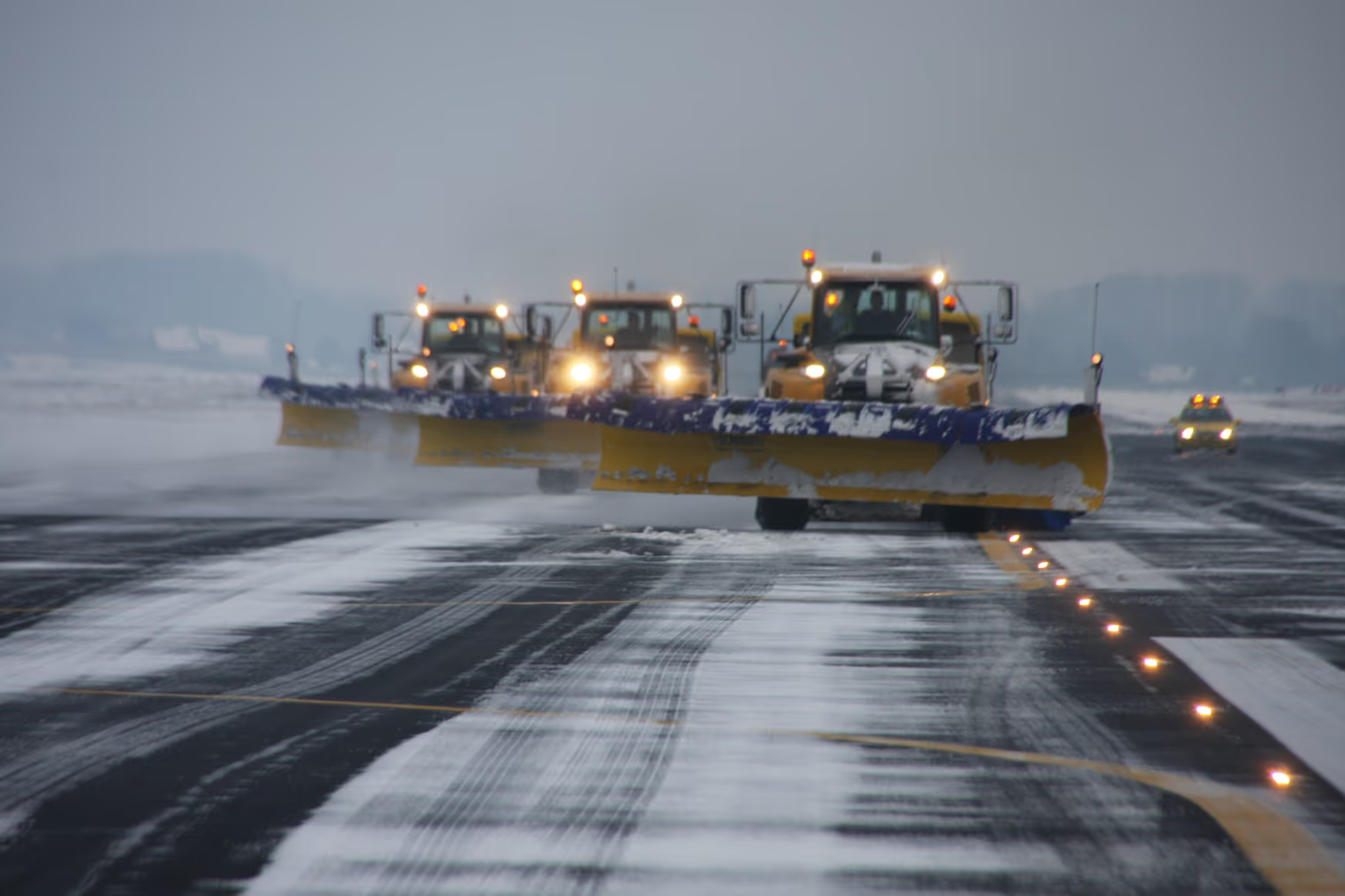
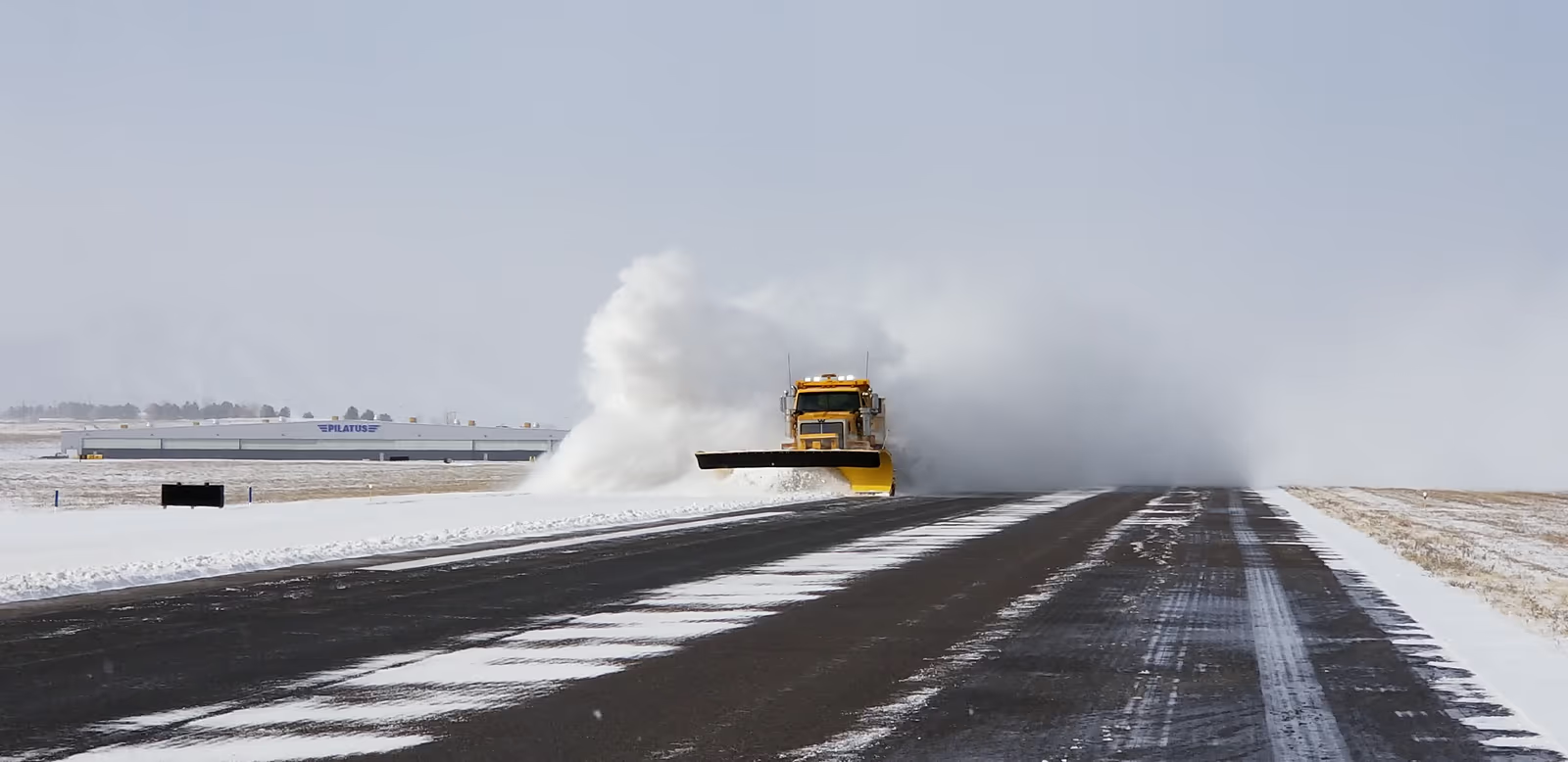
- Photos: Brussels Airport (CC BY-SA 2.0) and Brandon Murphy (CC BY-SA 4.0), via Wikimedia Commons. Illustrative only; neither shows a Glidepath customer or a specific FICON.

Regulation text current per eCFR as of October 8, 2026.
See a runway assessment on demo data.
Walk through a FICON from the first third to the retained record, on demo data.